
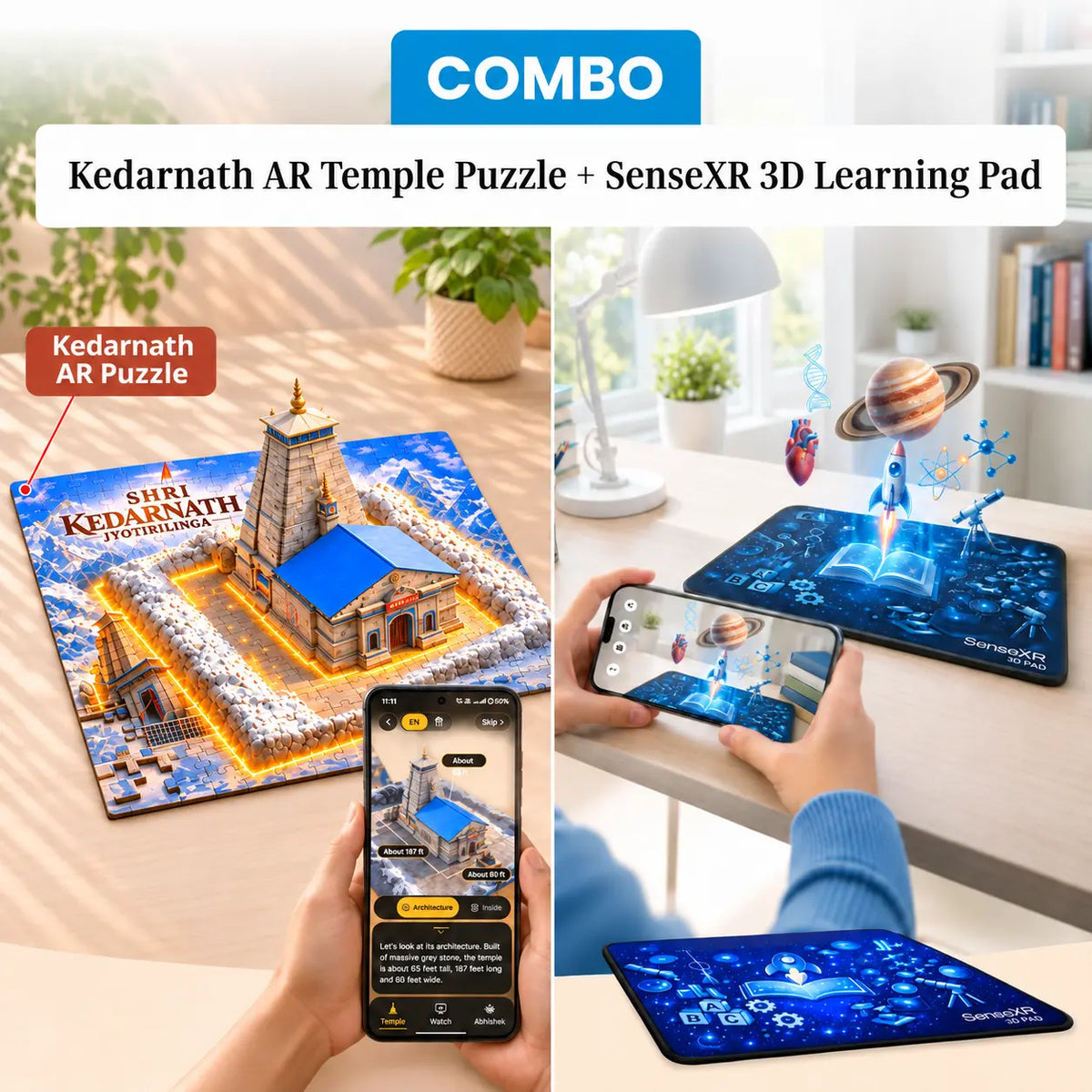






Kedarnath AR Jigsaw Puzzle + SenseXR 3D Learning Pad (10 × 14 in) Combo
Experiences
Temple Puzzles
Cultural Learnings
Payment
Shipping
Pad Warranty
Returns
Kedarnath AR Jigsaw Puzzle + SenseXR 3D Learning Pad (10 × 14 in) Combo
Explore Science in 3D with SenseXR

Explore the Body Parts in 3D
Rotate a heart, look inside the brain, and discover body parts up close through interactive AR models.

Turn Science Into Experiments
Move objects, change lenses, and see how images form through interactive experiments right on your desk.

Explore More Ways to Learn
Explore biology, physics, chemistry, maths, space, and more through interactive learning experiences.
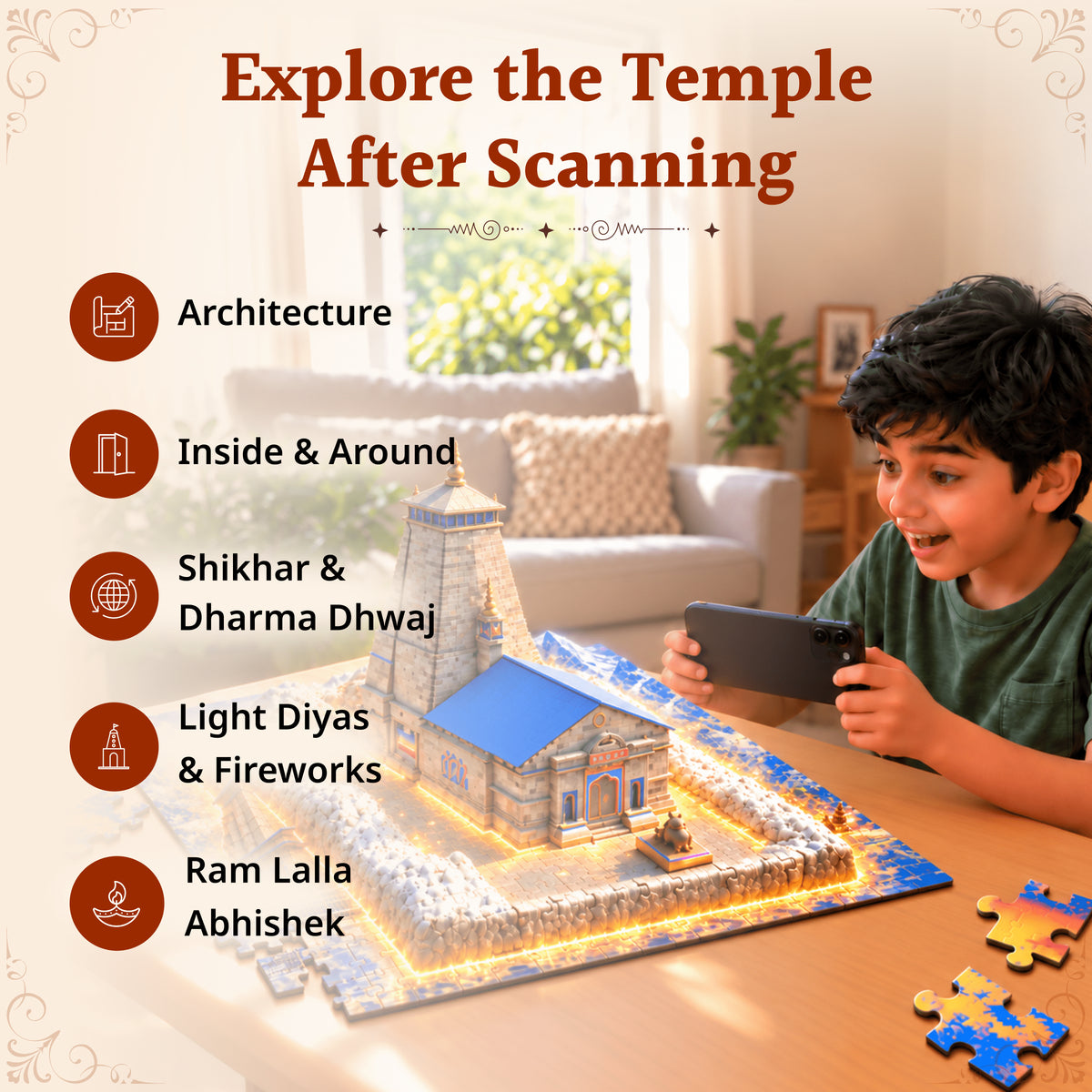
Experience the Temple in AR

Unique 64 Pcs Jigsaw Puzzle
Complete the Puzzle and explore the Kedarnath temple in AR.

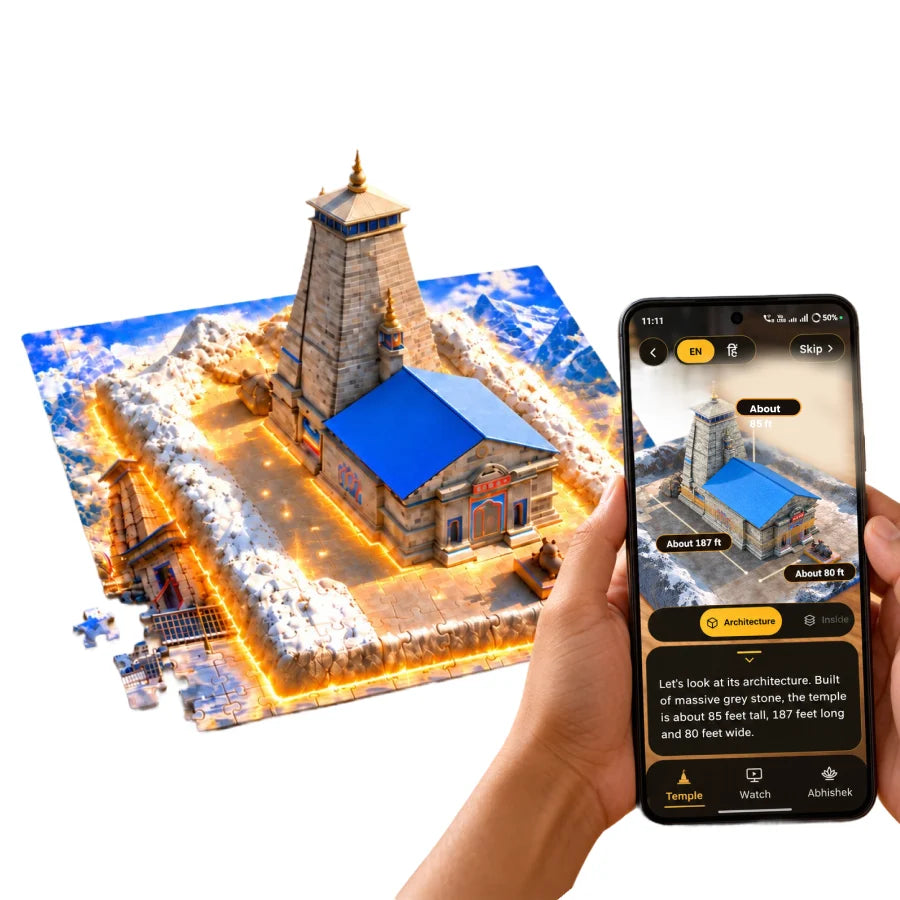
Explore Kedarnath temple in AR Powered 3D Model
Explore temple architecture inside and outside virtually.

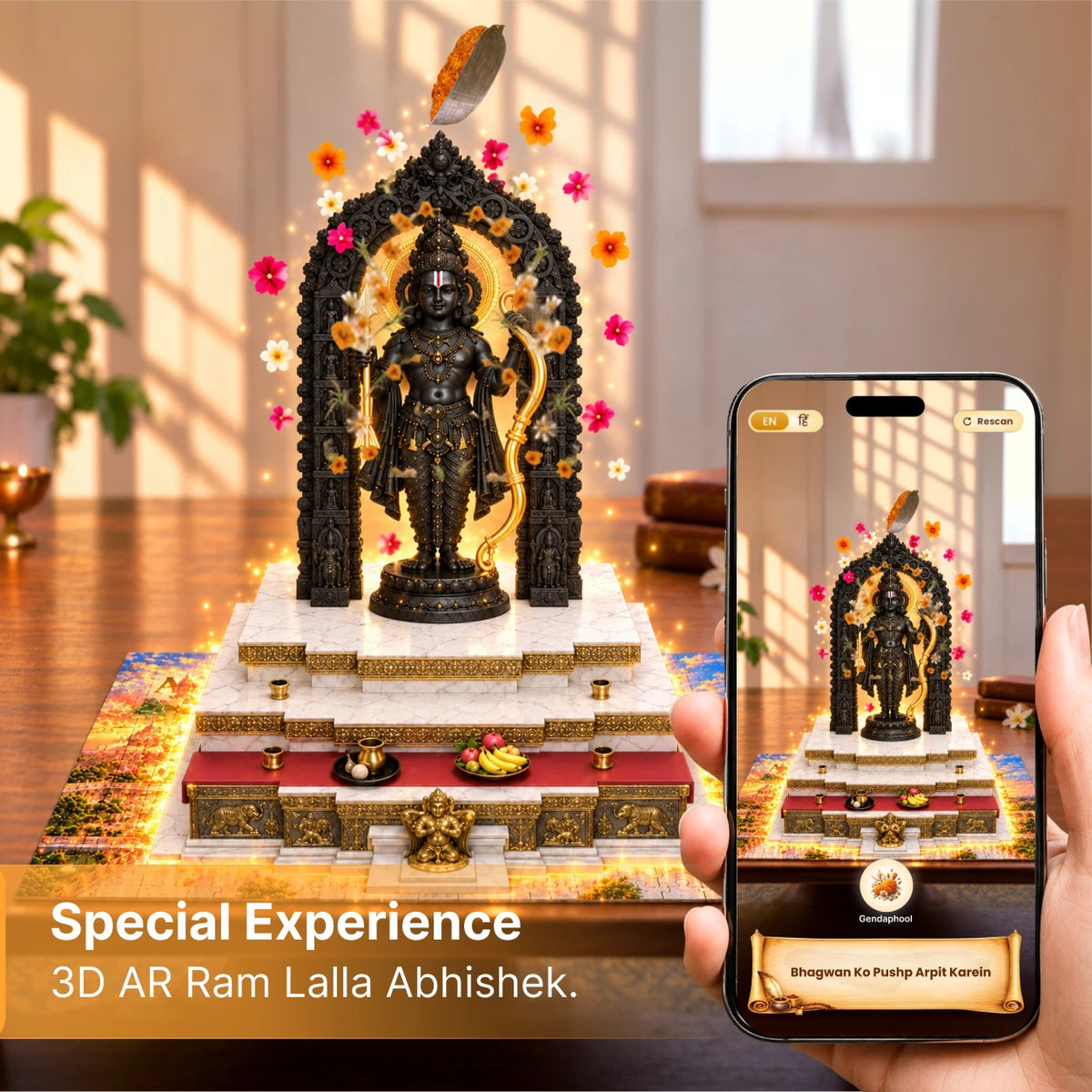
AR Powered Puja Abhishek
Experience Manas Puja with authentic traditional rituals.


Kedarnath and 3D learning Pad
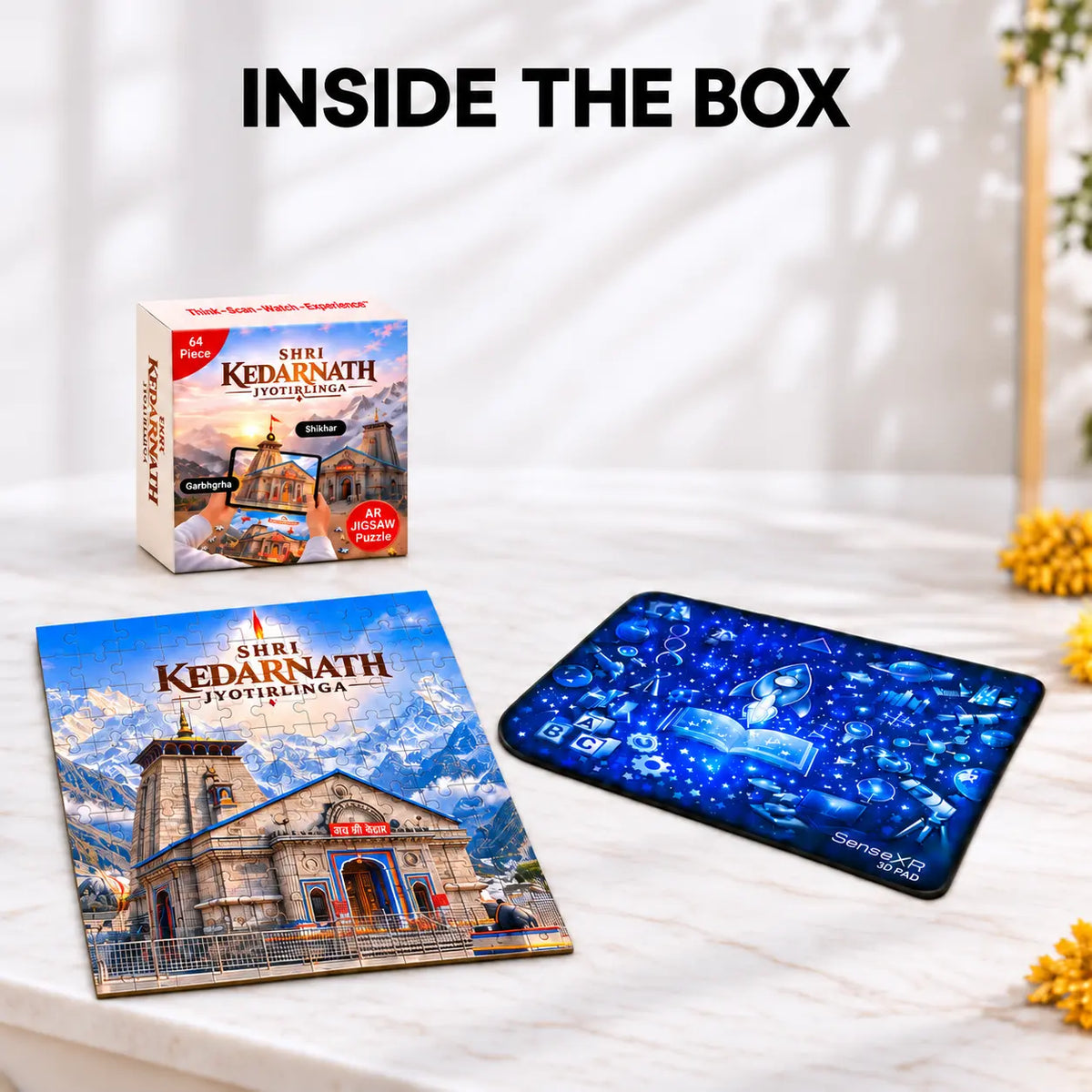
- 1 Kedarnath AR Jigsaw Puzzle: 64 interlocking pieces.
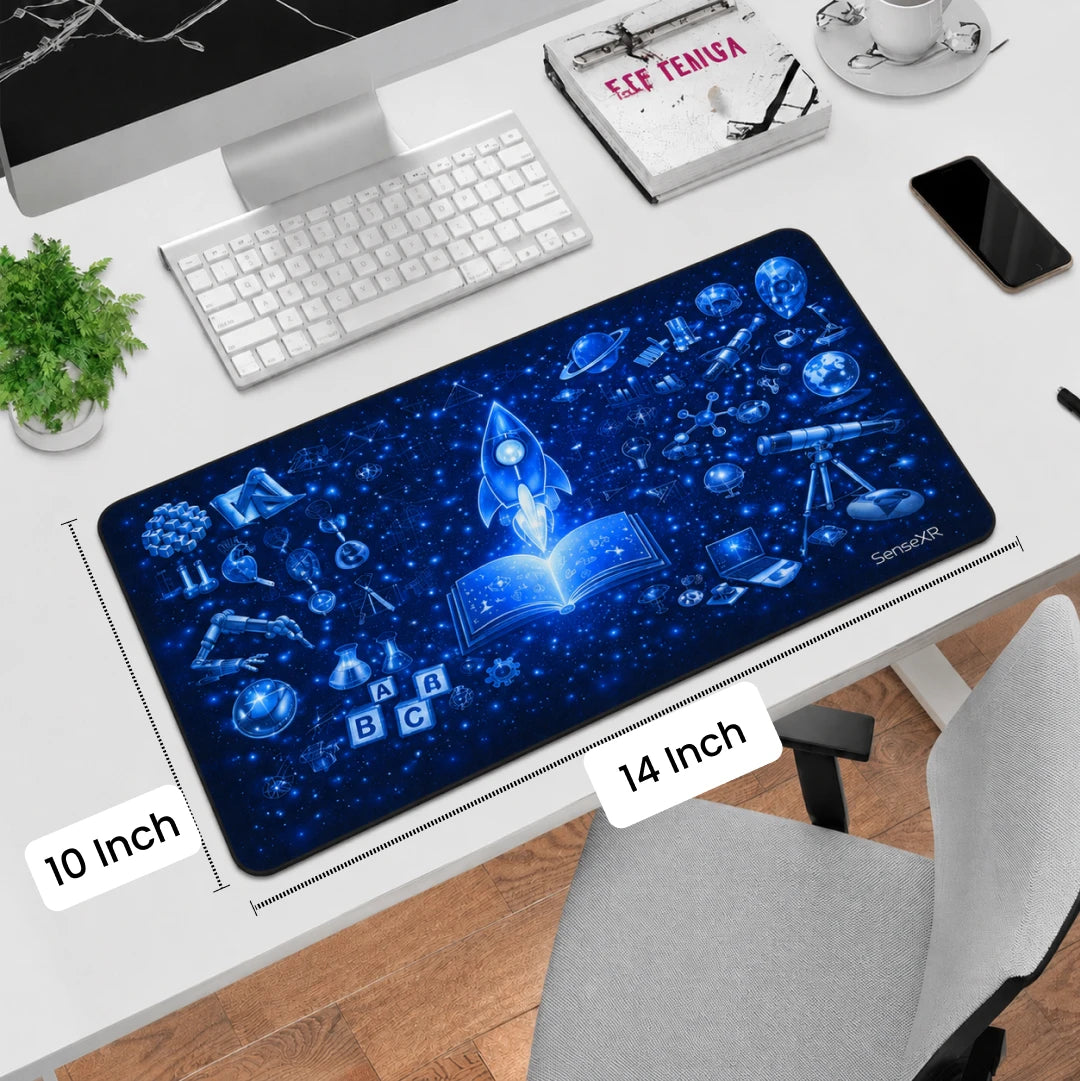
- 1 SenseXR 3D Learning Pad: 10 × 14 inches.
- 1 Premium Plan activation QR card: for SenseXR Play.
A compatible smartphone or tablet is required for AR.
- Kedarnath puzzle included
- 1
- Total puzzle pieces
- 64
- Interlocking pieces
- 64
- Completed puzzle size
- 14.25 × 14.25 inches
- Learning pad size
- 10 × 14 inches
- Included pad access
- Premium Plan + QR card
Assemble Kedarnath, explore it in AR, then switch to the pad for interactive science.


Build, scan and discover
Download the apps
SenseXR Play · For the 3D Learning Pad
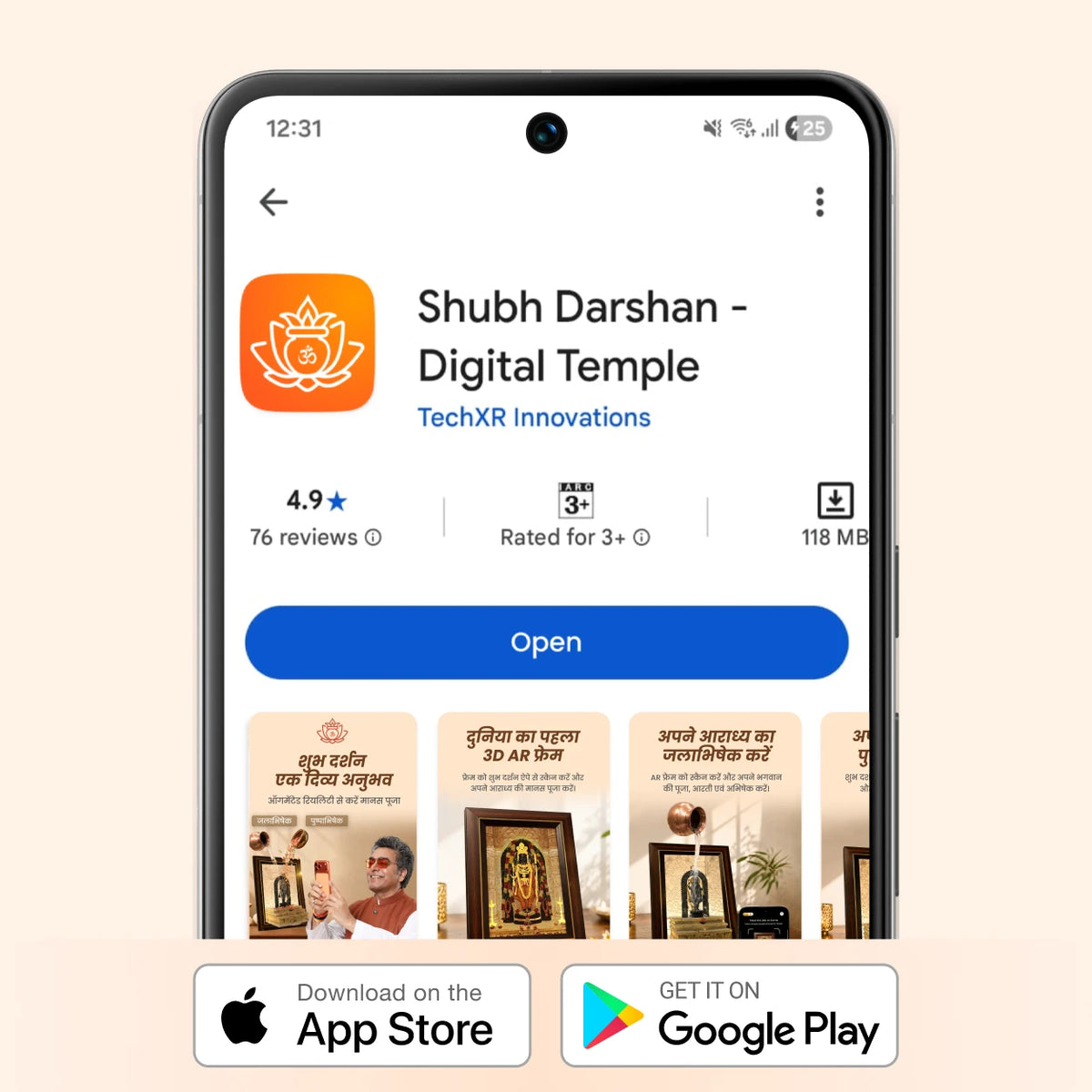
Shubh Darshan · For the Kedarnath AR Jigsaw Puzzle
Kedarnath AR Jigsaw Puzzle
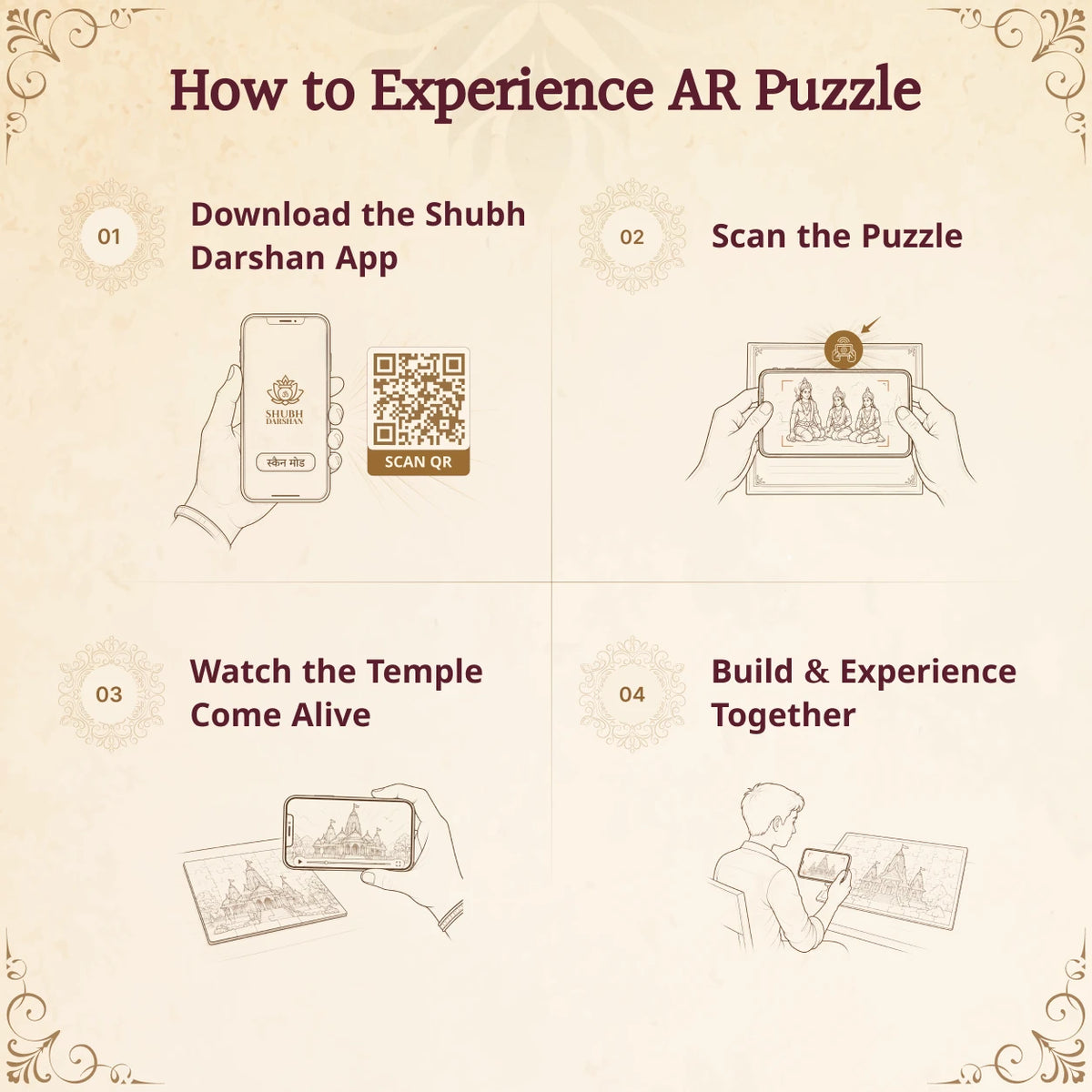
- Join all 64 pieces on a clean, flat surface.
- Download and open Shubh Darshan using the links above. Choose Kedarnath and allow camera access.
- Scan the artwork on the completed puzzle in good light. Tap the interactive points to explore the temple, then follow the prompts for virtual Abhishek.
SenseXR 3D Learning Pad
- Download SenseXR Play using the links above and sign in.
- Scan the included activation QR card to activate the Premium Plan.
- Lay the 10 × 14-inch pad flat, allow camera access and follow the app instructions to scan it.
- Choose a science activity and explore its interactive 3D model.

Cultural discovery meets interactive science
Piece together Kedarnath Temple and learn about its architecture and cultural heritage. When the artwork is complete, bring it to life in Shubh Darshan and explore the temple in AR.
The 10 × 14-inch SenseXR 3D Learning Pad with Premium Plan adds interactive science learning through SenseXR Play. Watch a beating heart, explore the solar system and discover models and experiments from different angles.
Build, explore and share meaningful learning moments together.

AR puzzle pieces and 3D learning pad
Kedarnath puzzle: illustrated interlocking pieces for physical assembly and AR scanning.
3D Learning Pad: a printed fabric learning surface. Clean it gently with a soft, dry or slightly damp cloth.
Use both products on a clean, flat surface. Keep puzzle pieces together and protect the printed artwork from moisture.

Device requirements for both experiences
Kedarnath AR (Shubh Darshan)
- Apple: iOS or iPadOS 16.4 or later.
- Android: Android 8.0 or later, with at least 4 GB RAM. 6 GB or more is recommended.
3D Learning Pad (SenseXR Play)
- Apple: iOS or iPadOS 15.0 or later.
- Android: the product listing specifies Android 8.0 or later, with at least 4 GB RAM. 6 GB or more is recommended. SenseXR’s compatibility page recommends Android 10 or later.
For both experiences, confirm that the current apps are available for your device. You will need a working camera, camera permission and good lighting. A device is not included.
Explore Science in 3D

Math
Build confidence with numbers through interactive challenges, visual puzzles, and real-world problem solving.

Biology
Explore the human body, cells, and living systems in immersive 3D to understand life from the inside out.

Physics
Discover how forces, motion, energy, and matter shape the world through interactive scientific experiences.

Astronomy
Travel through the universe to explore planets, stars, galaxies, and the wonders of space in immersive detail.

Chemistry
Discover atoms, molecules, and chemical reactions through interactive 3D experiments and visual learning.

Geology
Explore Earth's layers, rocks, volcanoes, and natural processes through immersive geological experiences.
Discover the SenseXR 3D Learning Pad

Everything You Need to Know
What is included in this combo?
One 64-piece Kedarnath AR Jigsaw Puzzle, one 10 × 14-inch SenseXR 3D Learning Pad and one Premium Plan activation QR card for SenseXR Play.
How many pieces are in the Kedarnath puzzle?
The puzzle contains 64 interlocking pieces. Once assembled, it measures 14.25 × 14.25 inches.
What can I do after completing the Kedarnath puzzle?
Scan the artwork in Shubh Darshan to explore Kedarnath Temple in 3D. Tap the interactive points to discover its architecture and follow the prompts for virtual Abhishek.
Which apps do I need?
Use Shubh Darshan for the Kedarnath puzzle and SenseXR Play for the Learning Pad. Download the apps using the links in the How to use? tab.
Can my child build the puzzle without a phone?
Yes. The physical puzzle can be completed independently. A compatible smartphone or tablet is required for the Kedarnath AR experience and the 3D Learning Pad activities.
How do I activate my pad’s Premium Plan?
Download SenseXR Play and sign in. Use the included activation QR card to activate the Premium Plan, then follow the app instructions to scan the pad and begin exploring science.
Do I need a headset or controller?
The Kedarnath puzzle and compatible pad-based AR experiences use a smartphone or tablet and their respective apps. A phone, tablet, headset and controller are not included.
Will this combo work with my smartphone?
Check that both Shubh Darshan and SenseXR Play are available for your device. Shubh Darshan requires iOS/iPadOS 16.4 or later and SenseXR Play requires iOS/iPadOS 15.0 or later. For Android requirements, see the Device Compatibility tab.